Blur faces and strip EXIF metadata before you share a photo
Every photo you share carries two risks, one you can see and one you can’t: the faces and identifiers in the frame, and the invisible metadata baked into the file. Handling only one leaves you exposed — and the usual fix for the visible half, a blur, can often be reversed. This guide shows how to redact a photo properly, on your own computer, so nothing is uploaded.
The two hidden risks in every photo
There are two independent problems, and covering one does nothing for the other. The first is visible: faces, licence plates, badges, house numbers, screens and documents in the shot. The second is invisible: the metadata your camera writes into the file — where and when the photo was taken, and on what device. You have to deal with both, and with the right technique for each.
What EXIF metadata actually leaks
Phones and cameras attach a block of data called EXIF to every image. It commonly records the date and time the photo was taken, the camera make, model and settings, the GPS location if location services were on, the orientation, the editing software used, and in some cases the camera’s serial number. Privacy engineers at Proton warn that this “invisible metadata can be used to track your location, piece together your daily routines, or dox you or your loved ones.” (Source: Proton.) None of it shows on screen, and it survives ordinary edits like cropping or adjusting brightness — which is why removing it has to be a deliberate step.
Real cases where a photo’s metadata gave away a location
This isn’t theoretical. A single un-scrubbed photo has been enough to locate people who very much did not want to be found:
| Case | What the photo gave away |
|---|---|
| John McAfee, December 2012 | On the run, McAfee posed for a photo a journalist published with the iPhone’s GPS geotag still in the file. The embedded coordinates pinned him to a spot in Guatemala near the Belize border; he admitted his location the next day. No hacking was needed — anyone who downloaded the picture could read the coordinates. |
| The “w0rmer” arrest, 2012 | A hacker posted a photo to Twitter that carried GPS EXIF data placing it at a house in Wantirna South, Australia. The location — plus the camera details in the file — helped the FBI identify and arrest him. |
The McAfee case is the textbook one: as Scientific American put it, “smartphone cameras write the location, date, time and camera settings to the digital image file,” so a single shared photo can betray a precise location — with no hacking required. (Source: Scientific American; PetaPixel.)
A face is personal data — and biometric data once it identifies someone
A recognisable face isn’t incidental; it’s personal data in its own right. Under the GDPR, a facial image becomes special-category biometric data “only when processed through a specific technical means allowing the unique identification or authentication of a natural person” — for instance, running facial recognition on it. (Source: GDPR Recital 51.) The UK’s ICO draws the same line: an ordinary photograph is personal data, but “is not automatically biometric data even if you use it for identification purposes” — it becomes biometric only when an algorithm extracts and transforms the facial features into a template. (Source: ICO.) Either way, publishing a bystander’s or a source’s face is a real privacy decision — which is why covering it has to actually work.
Why blurring or pixelating a face is not safe redaction
Here’s the counterintuitive part most “blur” tools get wrong: weak obfuscation is reversible. Blur and pixelation don’t delete the identifying detail — they scramble it in a predictable, mathematically recoverable way. Security researcher Dan Petro of Bishop Fox built a tool, Unredacter, that recovers the original text from pixelated redactions, because pixelation lacks the “diffusion” that would make it unrecoverable. His rule is unambiguous: use solid bars and “never use anything else. No pixelization, no blurring, no fuzzing, no swirling.” (Source: Bishop Fox.)
The evidence that blur and pixelation can be reversed
This isn’t one researcher’s opinion — it’s a well-documented result, on both text and faces:
- Pixelated text can be read back. Depix is a public proof-of-concept that recovers plaintext — originally a pixelated admin password — from a screenshot blurred with a linear box filter. (Source: Depix.) Bishop Fox’s public Unredacter challenge was then won — but on a blurred string, not a pixelated one: the winner’s write-up published by Bishop Fox notes that “the effect applied to the obfuscated text was clearly not pixelation, but a blur”. So pixelation is covered by Unredacter and Depix above, and blur by the solved challenge. (Source: Bishop Fox.)
- Blurred and mosaiced faces can be re-identified. In a peer-reviewed study, a neural network identified 16×16 mosaiced faces with 96.25% accuracy and YouTube-blurred faces with 57.75% accuracy, concluding that obfuscating an image “may no longer be sufficient for privacy.” (Source: McPherson, Shokri & Shmatikov.)
- Most anonymisation methods are at least partly reversible. The 2024 “Fantômas” study found that 11 of 15 tested face-anonymisation methods — including Gaussian blur and pixelation — could be at least partially reversed, because they only hide identifying information rather than remove it. (Source: Fantômas, PoPETS 2024.) A 2025 method goes further, using a diffusion model to restore Gaussian-blurred faces while preserving identity. (Source: arXiv 2506.12344.)
Irreversible redaction: solid boxes for the image, hard removal for the metadata
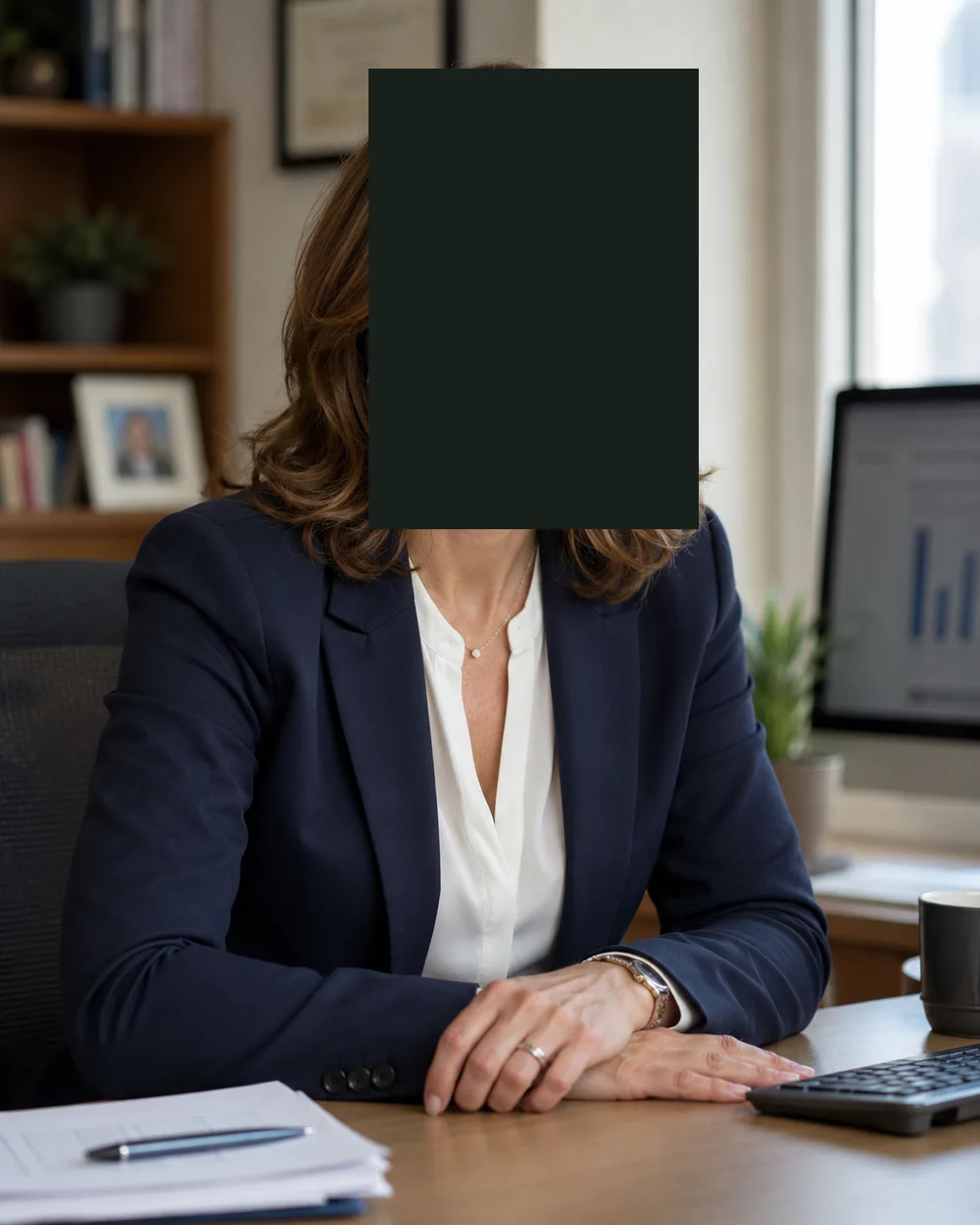
The fix follows directly from the problem. For the visible half, cover faces and identifiers with a solid, opaque box so the pixels underneath are simply gone from the copy you share — nothing to reconstruct. For the invisible half, actually delete the metadata rather than trusting a platform to do it for you. Do both, and verify.
Why do it on your own computer, not an online blur or EXIF remover
It’s tempting to paste a photo into a web-based “face blur” or “remove EXIF” tool. But think about what that means: to protect a sensitive photo, you’ve just uploaded the original — faces, GPS and all — to someone else’s server. That’s the opposite of privacy. Occlira does both — cover faces with a solid box and strip the EXIF — locally, uploading nothing. Doing it on your own machine keeps the original file local, with no account and no upload — the same reason on-device processing is the safer default for documents and audio too. You can read exactly what stays on your device on our Data & Privacy Practices page.
How to blur faces and strip EXIF before sharing — step by step
- Detect faces on your own computer. Open the photo in a tool that runs face detection locally, so the sensitive image is never uploaded to a web service. Let it find and mark every face automatically as a first pass.
- Cover every face and identifier with an opaque box. Not a blur or a mosaic — a solid box. Cover each face, and also the quieter identifiers a detector won’t flag: licence plates, ID badges and lanyards, house numbers, computer screens, documents on a desk, and reflections in windows or glasses.
- Confirm the redaction is irreversible. The point of the box is that the pixels underneath are gone from the copy you share — not a filter that can be peeled back. If your tool applies a reversible blur, switch it to a solid mask for anything you publish.
- Strip the location and EXIF metadata. Removing the visible face does nothing to the invisible metadata. As a separate step, delete the GPS coordinates, camera make/model/serial number, timestamps and editing history baked into the file.
- Verify the exported copy. Re-open the clean file and check two things: no face is recoverable, and an EXIF viewer shows the metadata is empty. Don’t assume — confirm.
- Keep the original private. Share only the exported copy. Keep the untouched original — with its faces and metadata intact — on your own machine.
Pre-share checklist
- Every face covered with an opaque box — not a reversible blur or mosaic.
- Plates, badges, screens, documents and reflections boxed out too.
- GPS / location data removed.
- Camera make, model, serial number and timestamp removed.
- Re-checked the exported file in an EXIF viewer — metadata is empty.
- Original kept private; only the clean copy is shared.
Do it on-device with Occlira
Occlira fixes both halves of the photo risk in one on-device pass. It detects faces locally and offers three masking styles — blur, mosaic or a solid box — and lets you draw a box over anything the detector missed. Because blur and mosaic can be reversed, choose the solid box for anything you publish. In the same step it strips the GPS and EXIF metadata — location, camera make/model and timestamps — and it leaves your original file untouched, exporting a clean copy to share. Nothing is uploaded, and there’s no account.
It’s one part of a broader on-device toolkit that also redacts Word, PDF and Excel and bleeps names out of audio — all locally. One honest note, the same one we use elsewhere: Occlira’s reversible anonymization mode for text is pseudonymization, so that output is still personal data. But an opaque box on a photo and a stripped EXIF block are irreversible by design — which is exactly what you want for a picture you’re about to publish. Occlira helps you get this right; it isn’t a guarantee, and you review every result.
Frequently asked questions
Often, yes. Blur and pixelation only hide identifying detail rather than removing it, so it can be recovered. Researchers have built public tools that reverse pixelation (Bishop Fox’s Unredacter, Depix), and neural networks have re-identified mosaiced and blurred faces at high rates. A 2025 method even restores Gaussian-blurred faces well enough to re-identify people. Treat blur as cosmetic, not as redaction.
Not reliably. Because blur is reversible, the safe choice for anything you publish is a solid, opaque box over the face — the pixels underneath are removed from the shared copy, so there is nothing to reconstruct.
A solid box. Security researcher Dan Petro, who built a tool to reverse pixelation, puts it bluntly: use black bars, and “no pixelization, no blurring, no fuzzing, no swirling.” Blur and mosaic look anonymised to a human but can be undone by software.
A recognisable face is always personal data. It becomes special-category biometric data only when it’s processed “through a specific technical means allowing the unique identification” of a person — for example, running facial recognition on it (GDPR Recital 51). The ICO gives the same nuance for the UK GDPR. Either way, a face is genuinely sensitive.
Yes. GPS coordinates are one of the EXIF fields, so stripping the EXIF metadata removes the location along with the camera make/model/serial number and timestamps. It’s a distinct step from covering faces — you need to do both.
Most large platforms strip EXIF on upload, but it’s inconsistent, outside your control, and does nothing about the visible faces in the shot — and you still had to upload the original to their servers first. If a photo is sensitive, strip the metadata yourself, on your own machine, before it goes anywhere.
A screenshot does drop the original file’s EXIF, since it captures pixels rather than copying the file. But it’s a lossy workaround: it reduces quality, may add its own metadata, and — crucially — does nothing to hide the faces or identifiers still visible in the frame.
Yes — and you should. Uploading a sensitive photo to an online “blur” or “EXIF remover” is the opposite of privacy. Occlira does both on your own computer: it detects and covers faces (offer it a solid box for anything you publish) and strips the GPS/EXIF metadata, leaving your original untouched and uploading nothing.
Redact a photo the right way
Cover faces with a real box and strip the metadata — on your own computer. Free for 14 days on Windows and macOS.
More: local vs cloud redaction · for journalists · how your data is handled